How to Make Your Hit the Road Dude Video
Start with one clear photo of one adult, cat, or dog. A visible face and enough space around the head make it easier to judge whether the subject could hold the driver’s place in the white pickup scene.

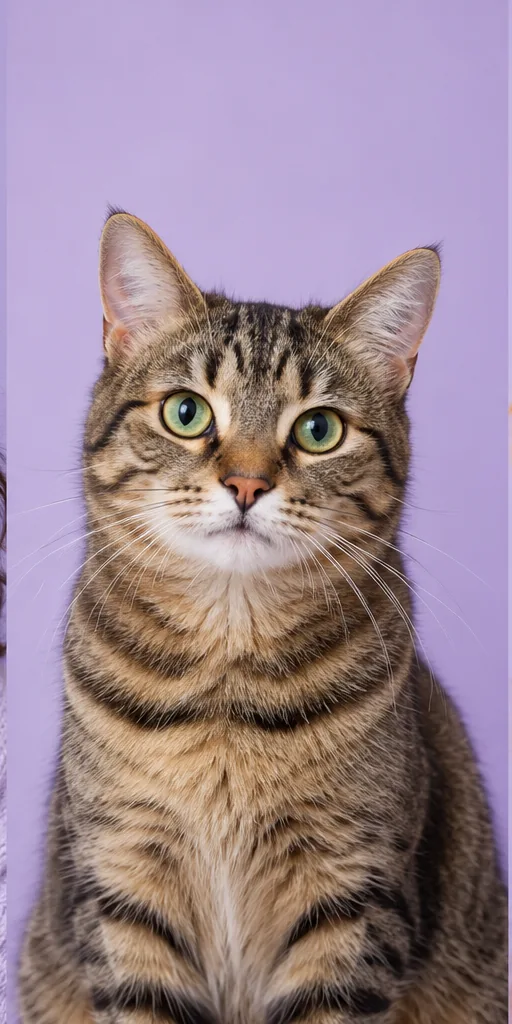

1. Choose a clear photo
Use a JPG, PNG, or WebP under 10 MB with one visible subject. The shortest side must be at least 640 pixels. Keep the face in focus and leave space around the head.
Person, cat, or dog?
For a person, use a photo with an unobstructed face. For a cat or dog, make sure the eyes and muzzle are visible. Avoid group photos, heavy filters, and images where the subject is tiny or partly outside the frame. These tips help with input quality; they do not guarantee an exact likeness.
2. Check your photo
Make sure you have permission to use it. Choosing the file only previews it in your browser; it is not uploaded until you confirm generation.
3. Start generation
Sign in, review the credit cost and balance, then submit. The task appears in My videos so you can return later. You do not need to record a voice or write a prompt.
4. Watch and download
The result is checked for subject likeness, the pickup scene, dialogue, sound, and playback. Approved videos can be downloaded; failed or rejected tasks return their credit.
If the result misses the scene
Check the task status in My videos. If a task fails or is rejected, its credit is returned. Choose a clearer photo before trying again if the face or pet features were difficult to see.